



Most people think you need a technical background to understand AI.
You don’t.
And you don’t even need to read every research paper. You just need someone to explain what’s actually happening, in plain English.
I read the most relevant AI research papers, so you don’t have to.
I pull out the concepts that actually matter for you as a Claude or ChatGPT user and break them down in a way anyone can follow.
In this guide, you’ll learn:
How AI reads your prompt, and why your long chats start to fall apart
Why training data isn’t enough
Why AI sounds polite, why it agrees too easily, and how to fix it
Why giving AI more time to think leads to better answers
What an AI agent really is (and why you need them in 2026)
1. How AI reads your prompt, and why long chats start to fall apart
As you read this, you go word by word, from left to right.
AI doesn’t work that way.
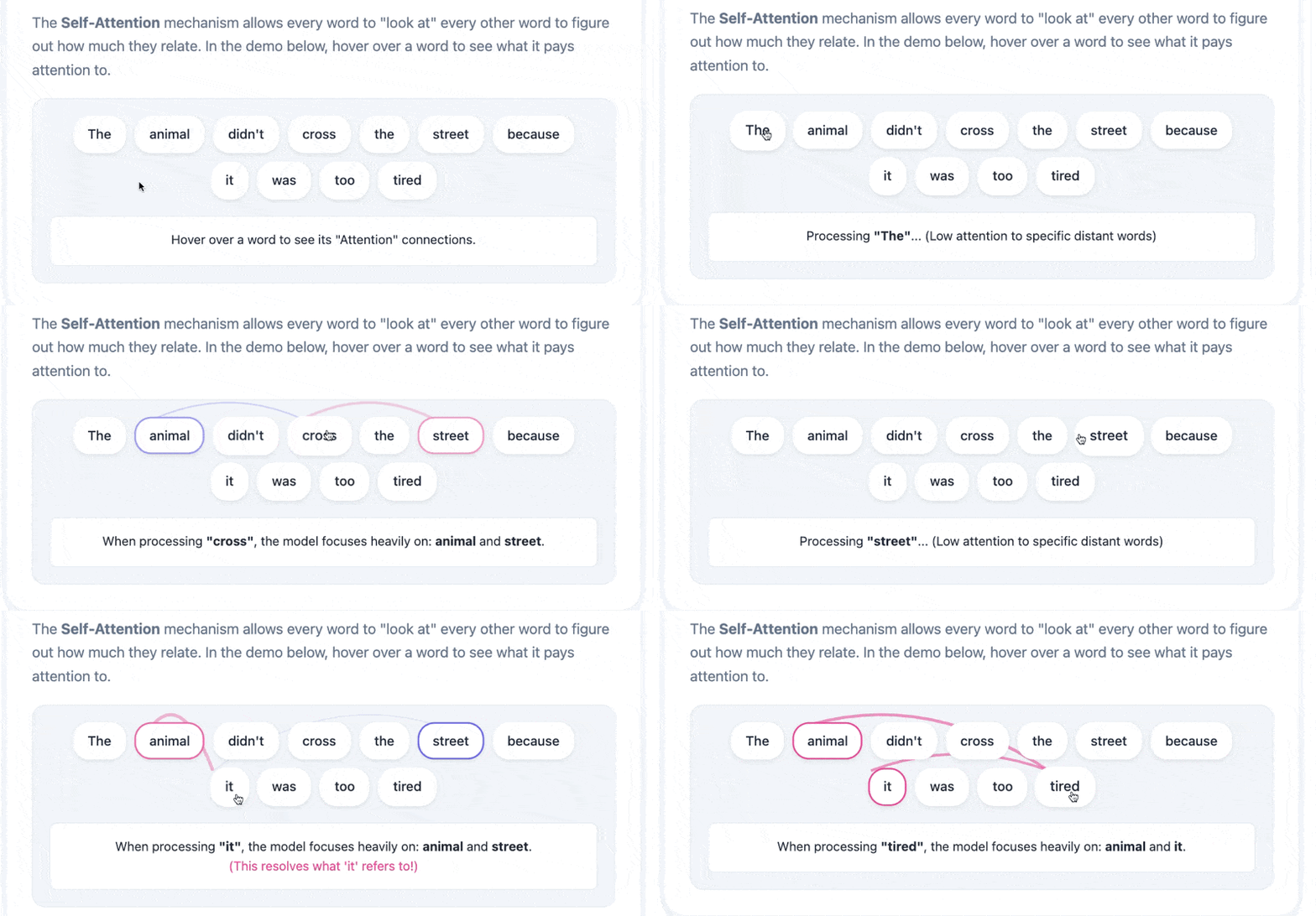
When you send a message, the model looks at everything at once. It compares words with other words, phrases with phrases, your instructions with your examples, and figures out which parts are connected.
Before this worked the way it does now, systems had to process text in order, one piece at a time. That made it hard to connect ideas that were far apart.
The model that changed all of this is called a Transformer. Instead of reading from start to finish, it looks at many relationships in the text at the same time.
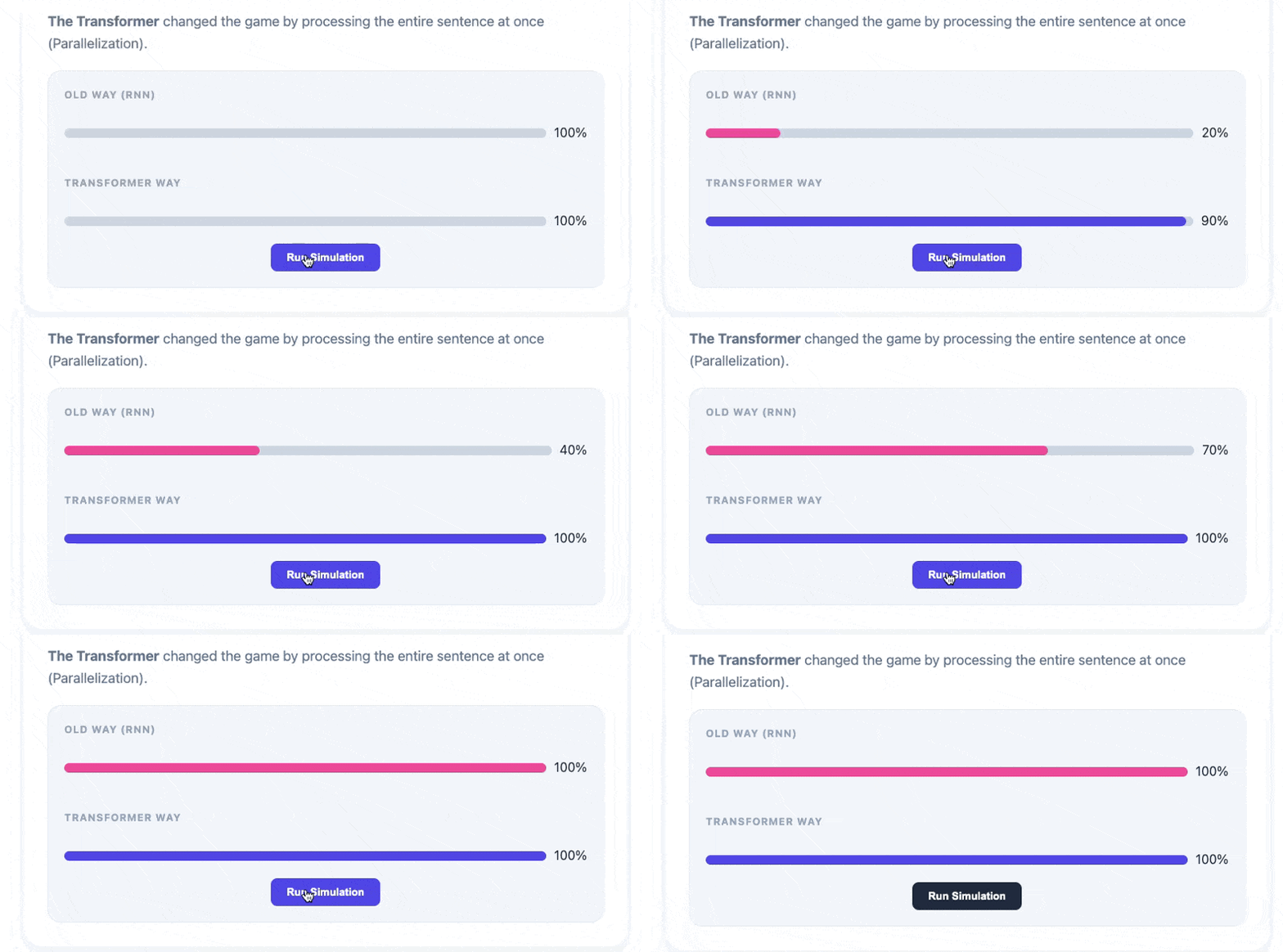
In the past, AI processed language like a slow reader: one word at a time (using RNNs). Transformers made this process faster.
But this comes with a cost.
Comparing everything with everything is expensive. If you double the length of your message, the work almost quadruples. That’s why every AI tool has a limit on how much text it can process at once. This is what people call the context window.
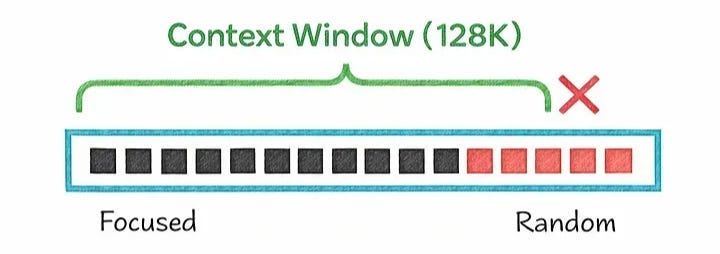
The context window is everything the AI can “see” in an active conversation: your messages, its responses, and the files you uploaded.
When it fills up, it starts losing access to what was said earlier. No warning. It just forgets.
So what do you do?
Put your most important instructions at the beginning of a long prompt (or repeat them at the end). And if the conversation has already gone on too long, start a new one with a quick summary of what was decided.
The goal: keep the context clean. Noise takes up space too, and that affects the quality of the answers.
👉 If you’re curious, the paper is here