


Recently, a new AI agent has gone viral: Clawdbot (just today rebranded as Moltbot)
Clawdbot is an AI assistant that not only chats, but actually does tasks for you 24/7
This feels like a leap into the future. Some have even bought dedicated machines, like Mac Minis, just to run this AI agent (you don’t need to buy one, though)
In this article, we’ll look at:
What Clawdbot is and why it’s popular
How to install it
How you can use it
Fun fact: Clawdbot went viral the same day I published my article “Forget AI Tools. AI Agents Will Automate Your Life in 2026“
Here’s a Google Doc with my best guides (agents, prompting, etc): Check it out here
P.S. Anyone can access the doc link, but only paid subs can read the content behind the paywall. They also get other welcome gifts. Subscribe today 👇
Clawdbot: What it is and why it matters now
Clawdbot is an open-source AI personal assistant that goes far beyond a simple conversational chatbot. It runs locally on your own devices and, unlike ChatGPT or other AIs that live in a browser tab, Clawdbot runs in the background as a service on your computer and integrates with the chat apps you already use.
But the question we might ask is: why does it matter so much now?
Partly because it combines several recent advances in AI in a very smart way:
It has full system access (files, shell commands, etc)
It offers persistent memory
It’s proactive
All of this while keeping a unified integration where your same assistant lives across multiple messaging platforms at once, with the same conversation and context synced everywhere.
What you can do with Clawdbot
Practically any digital task you entrust it with. It’s designed to execute real-world automations, and early users have pushed their creativity to the limit with surprising use cases:
Analyze comments on X and create personalized replies according to a given style
Organize tasks to run 24/7, such as replying to emails or making changes to their projects on GitHub

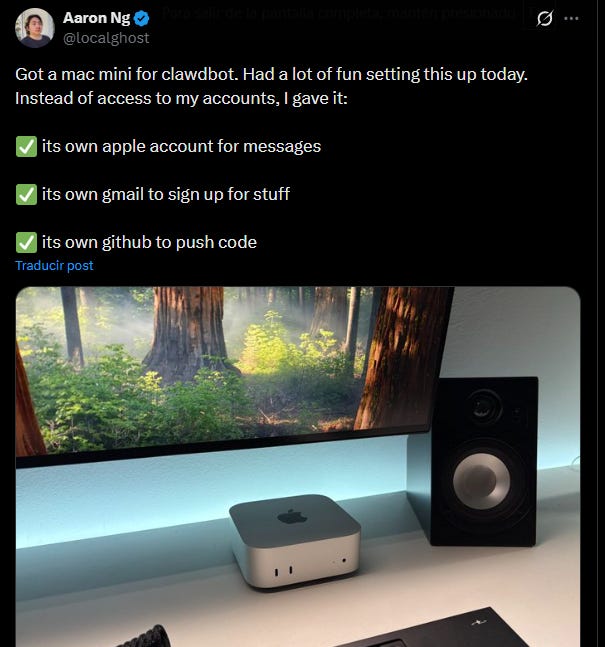
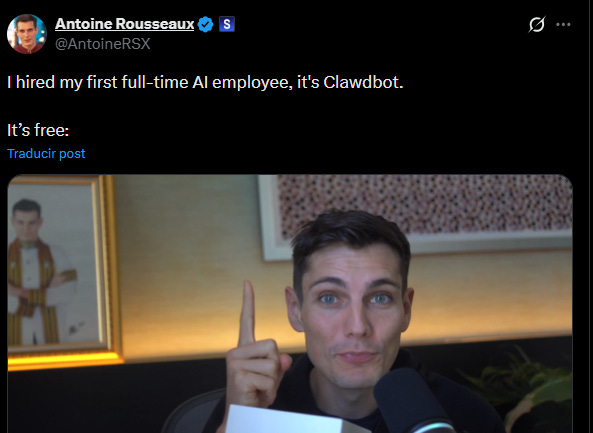
Many say Clawdbot can become their full-time AI employee
The use cases are diverse and depend heavily on the approach and customization you want to give Clawdbot. Apparently, there are no limits.
How to install Clawdbot in under 5 minutes
Disclaimer: Ironically, one of Clawdbot strengths is also its biggest risk. For Clawdbot to do tasks for you, you’ll have to grant it permissions. If the AI misinterpreted a command or was compromised by an exploit, it could, for example, delete important files, leak sensitive information, or send inappropriate messages.
What I recommend is using Clawdbot in isolated environments, such as on a secondary machine or an account dedicated to the bot.
Here’s how to install Clawdbot:
Step 1: Go to the Clawdbot page and choose the operating system for your installation.
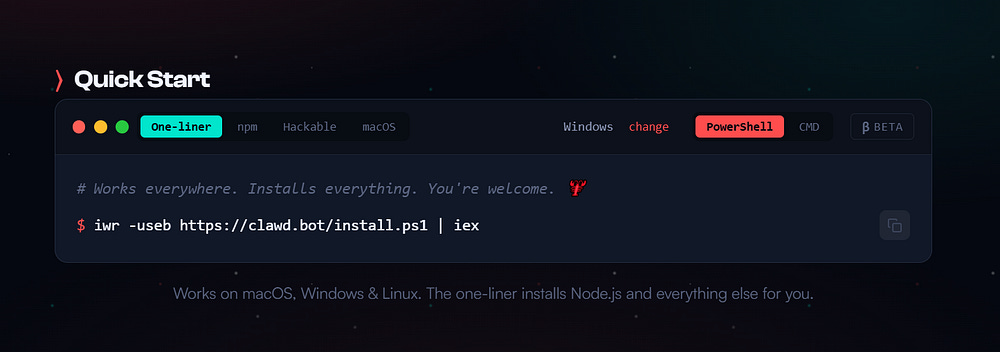
Step 2: Copy the installation code and paste it into your console.
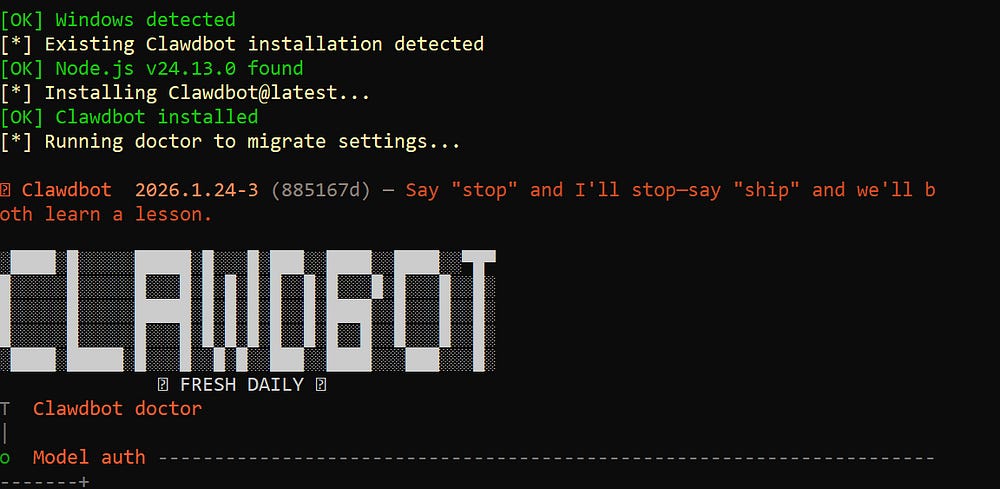
Step 3: Choose from the available options to connect your AI model.
Clawdbot is an orchestrator that leverages existing models. My personal recommendation is to use Claude.
To get a look at Clawdbot’s skills, use the following command:
clawdbot skills list
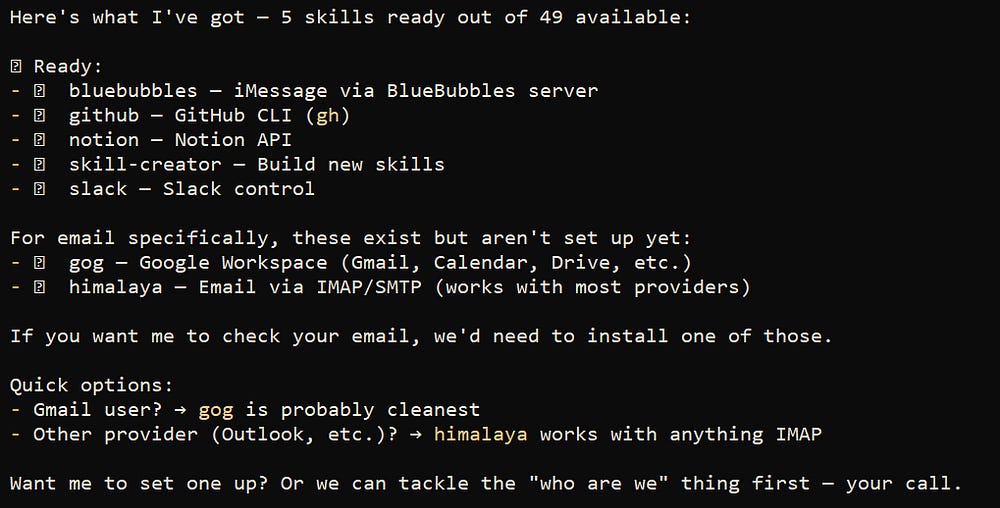
Final Note: Although Clawdbot is free, running it isn’t entirely costless. If we need to scale to larger projects, we’ll have to use an API. If we don’t monitor usage, the number of processed tokens could drive costs up quickly.
Thanks for reading!
You can find my best guides clicking here
P.S. Anyone can access the link, but only paid subs can read the content behind the paywall, which is the best part of my guides. Become a paid subscriber today 👇
Moltbot*
It's been renamed.
it’s pretty funny how quickly it got renamed. I actually just wrote a small post about how to secure moltbot. It’s a nifty little product, but it ships insecure