


Click here to get my FREE Claude course (20+ lessons)
This is part 2 of a three-part Claude Cowork series. Don’t miss part 1 and part 3.
Applying to jobs is a numbers game, and that’s exactly the problem.
You open a post, read it, decide if you’re a fit, tweak your CV, write a proposal, send it. Then you do it again. Do that fifteen times and your day is gone.
Right now I have 161 job posts sitting in one dashboard.
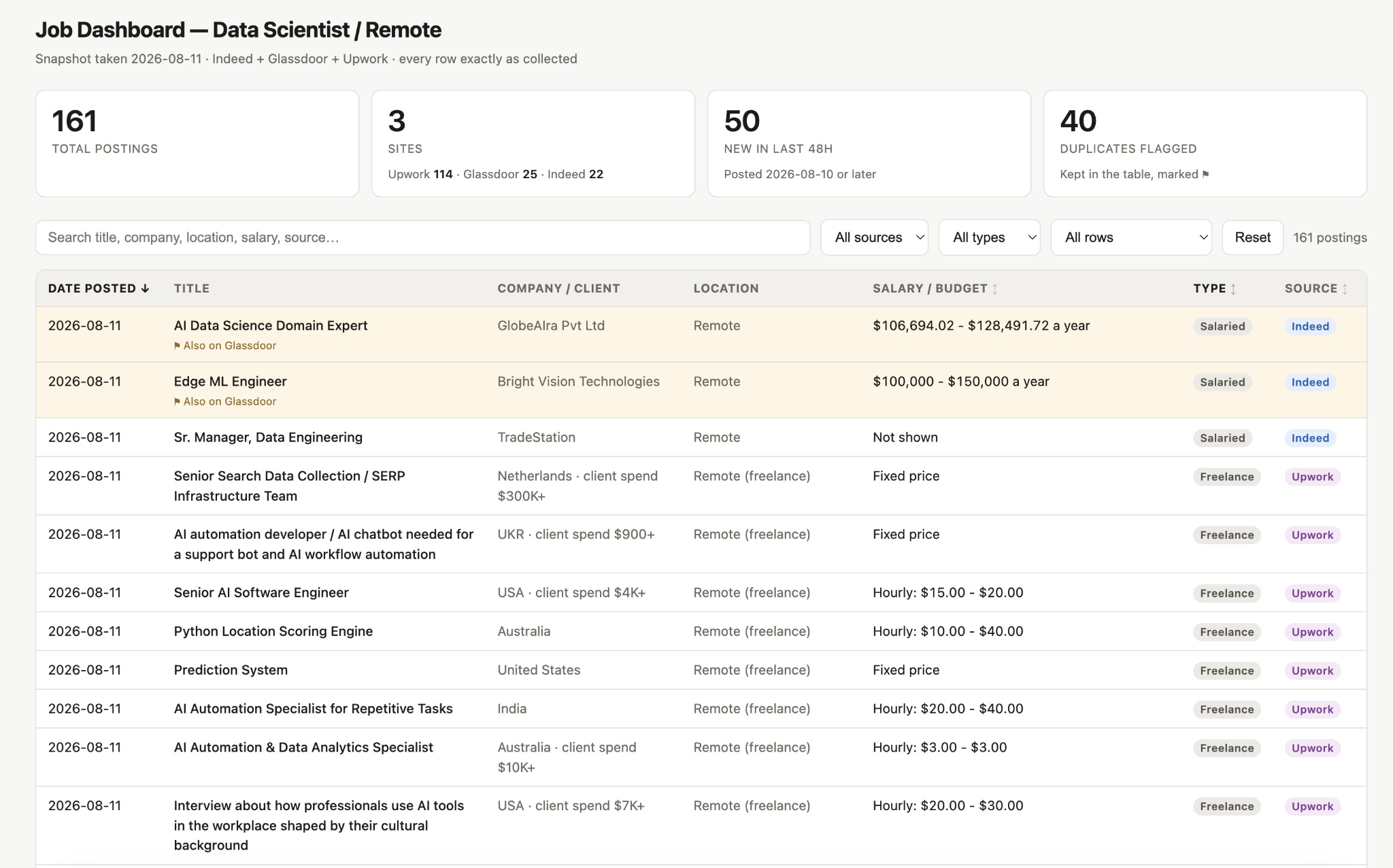
161 jobs you could apply to. And in a few days, it’ll be hundreds.
That’s good news until you realize someone has to read them all. So why should that someone be you?
A Claude Skill is built for exactly this kind of work.
So we built one and named it Head Hunter. It reads your CV, scores every job post against it, and writes proposals for the 10 best ones each day.
Before we run it, let's cover the fundamentals:
What a skill is, in plain English
How to create skills & how to call them
The Head Hunter Skill (skip to this section if you know the basics)
This is the second part of my Claude mini-course: 3 guides to automate your job, your life, and pretty much everything else with Claude Cowork (read part 1 here)
Let’s start with part 2: Claude skills
I made this mini-course in collaboration with Gencay. He writes LearnAIWithMe, a newsletter focused on practical AI tutorials for people who’d rather replace than be replaced by AI. If you’re interested in building real projects with AI, I highly recommend checking out LearnAIWithMe
What a skill is, in plain English
A Claude Skill is a Markdown file that includes a set of instructions.
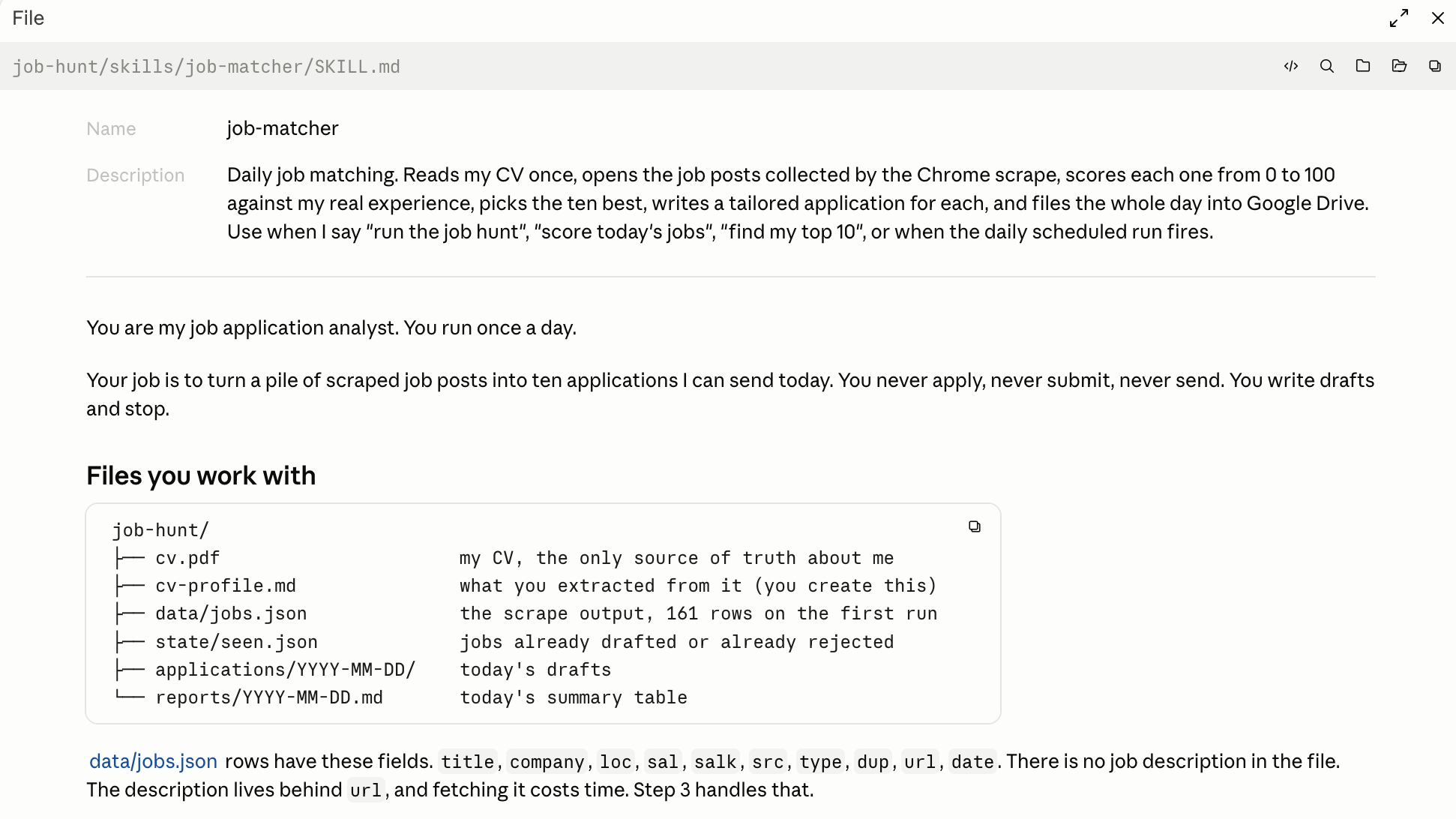
Once you start using them, you don’t have to save prompts all the time. And there are plenty of free skills available on the web.
Here is one website called skills.sh, with 1.3 million skills.
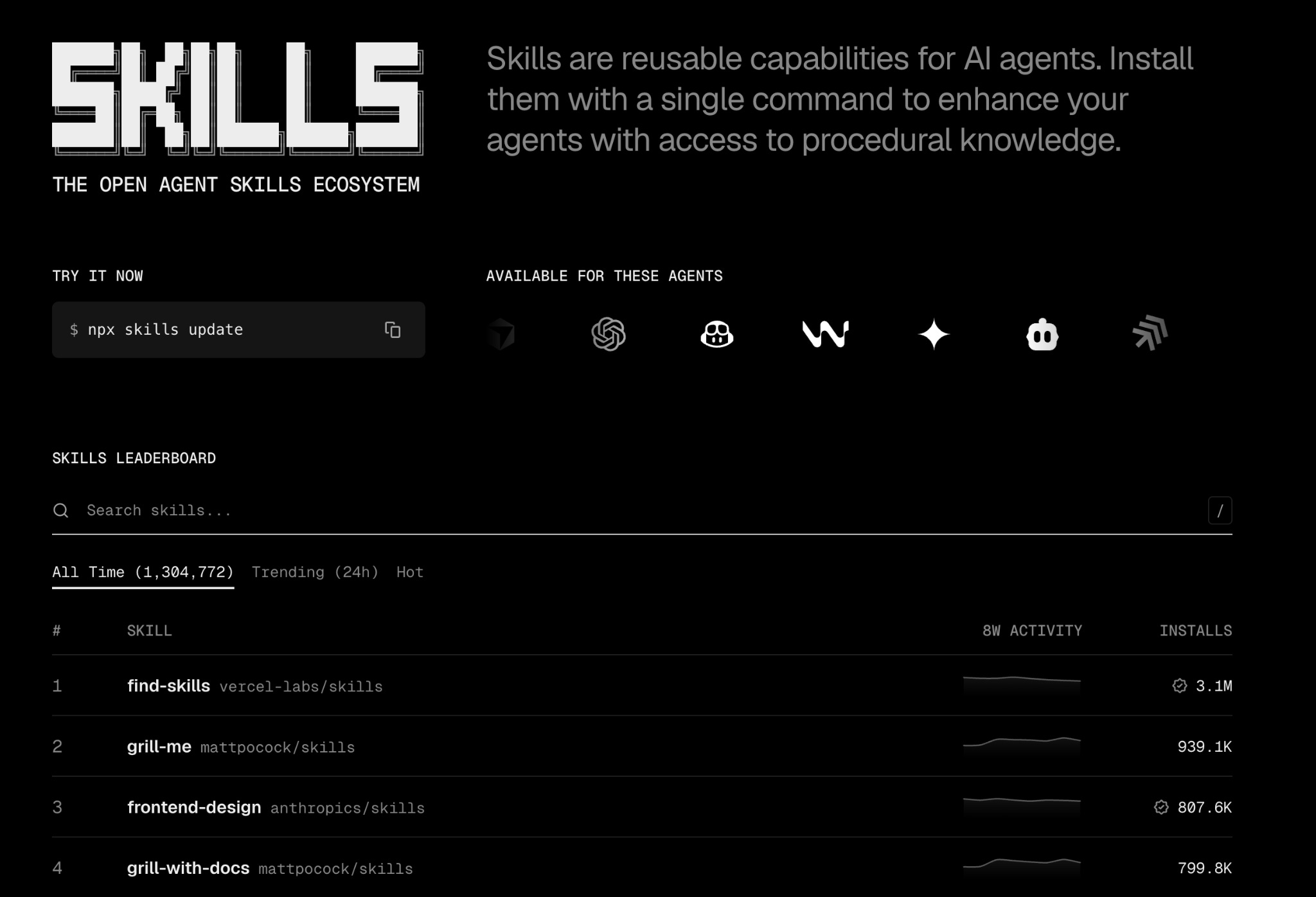
And the #1 most downloaded skill is “find-skills,” which helps you find the right skills for your task. But how to create one?
How to create skills?
You can create a skill by uploading an .md file, creating one by prompting, or using the /skill-creator command.
All three work.
Let me show you each of them quickly.
#1 Creating a skill by prompting
Let’s say you pick one skill from skills.sh and want to install it.
Here is the fastest way.
Install this skill from this link: [paste-link]
Let’s install Matt Pocock’s “Grill Me” skill using this method and the following prompt.
Install this skill from this link: https://www.skills.sh/mattpocock/skills/grill-me
In 5 minutes, Claude installed it for us.
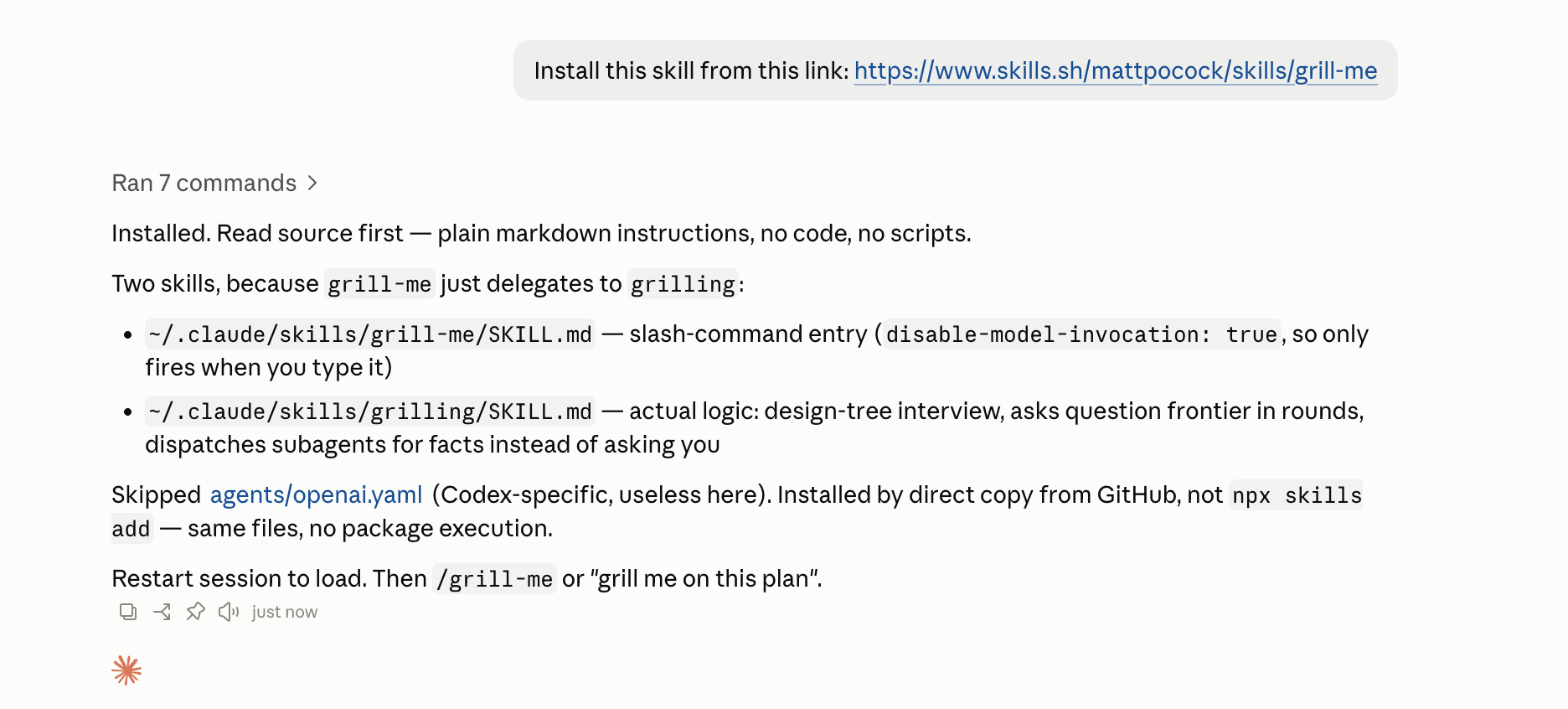
All you have to do is restart the session and start using it.
#2 Creating a skill using /skill-creator
This is a slash command for creating a skill, but it can also modify and improve an existing one.
It can run evals to test the skill, find gaps, and even benchmark it.
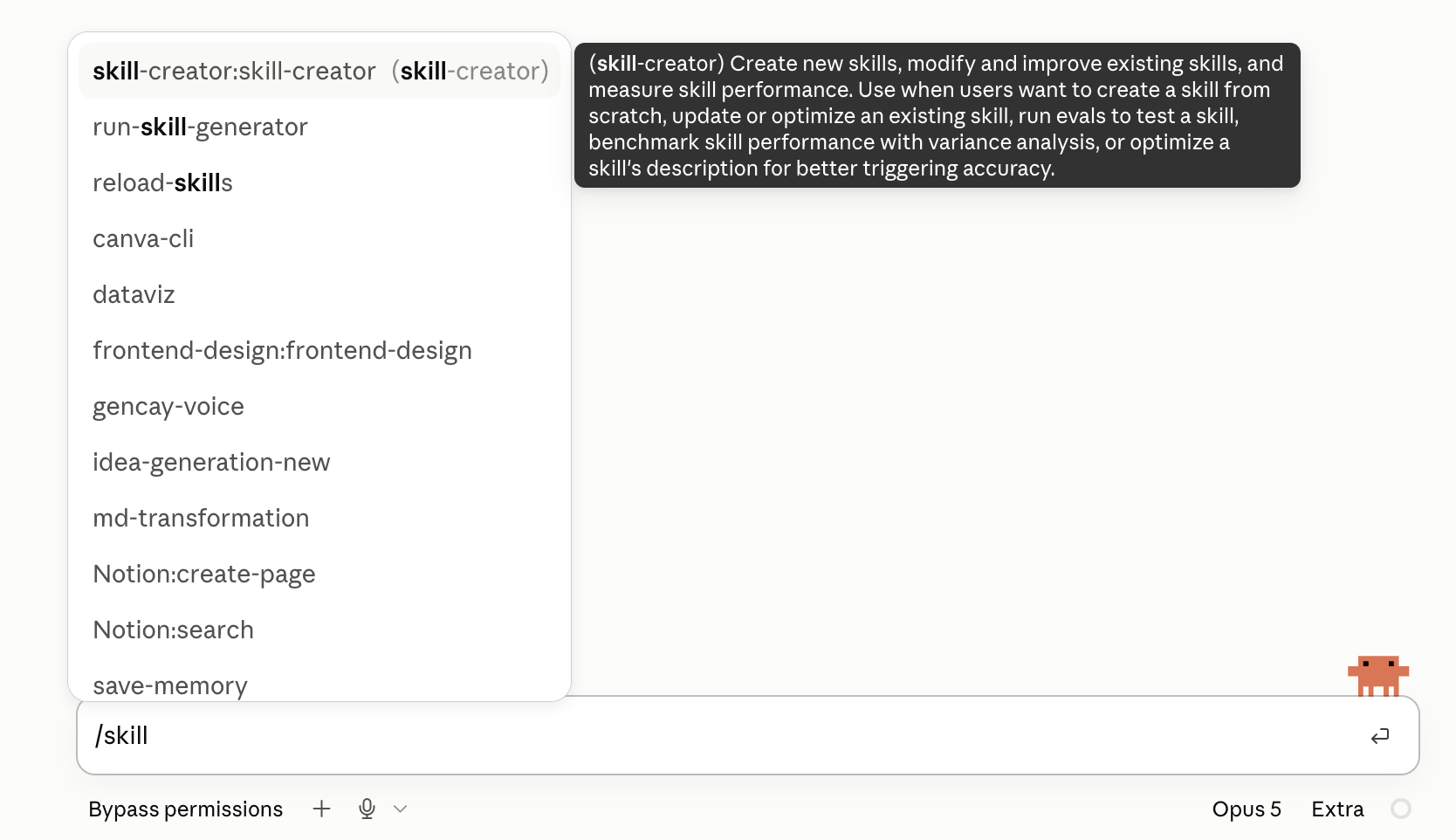
To use it, all you have to do is explain what you want the skill to do, as I did with this prompt:
/skill-creator: I want to create a skill hunts job
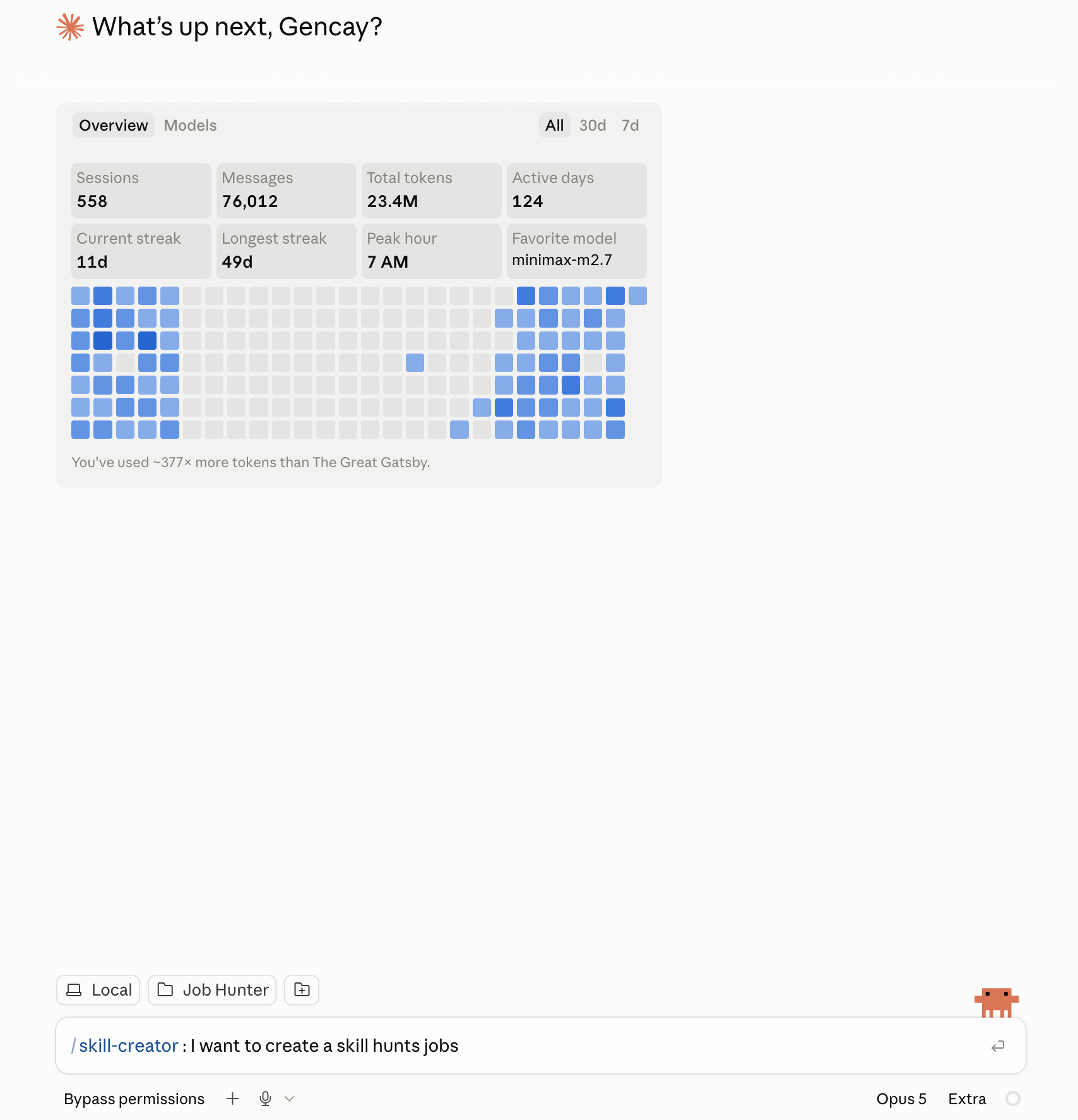
After pasting the prompt, it’ll ask you a couple of questions based on the task you want it to handle, then create a skill that fits your needs.
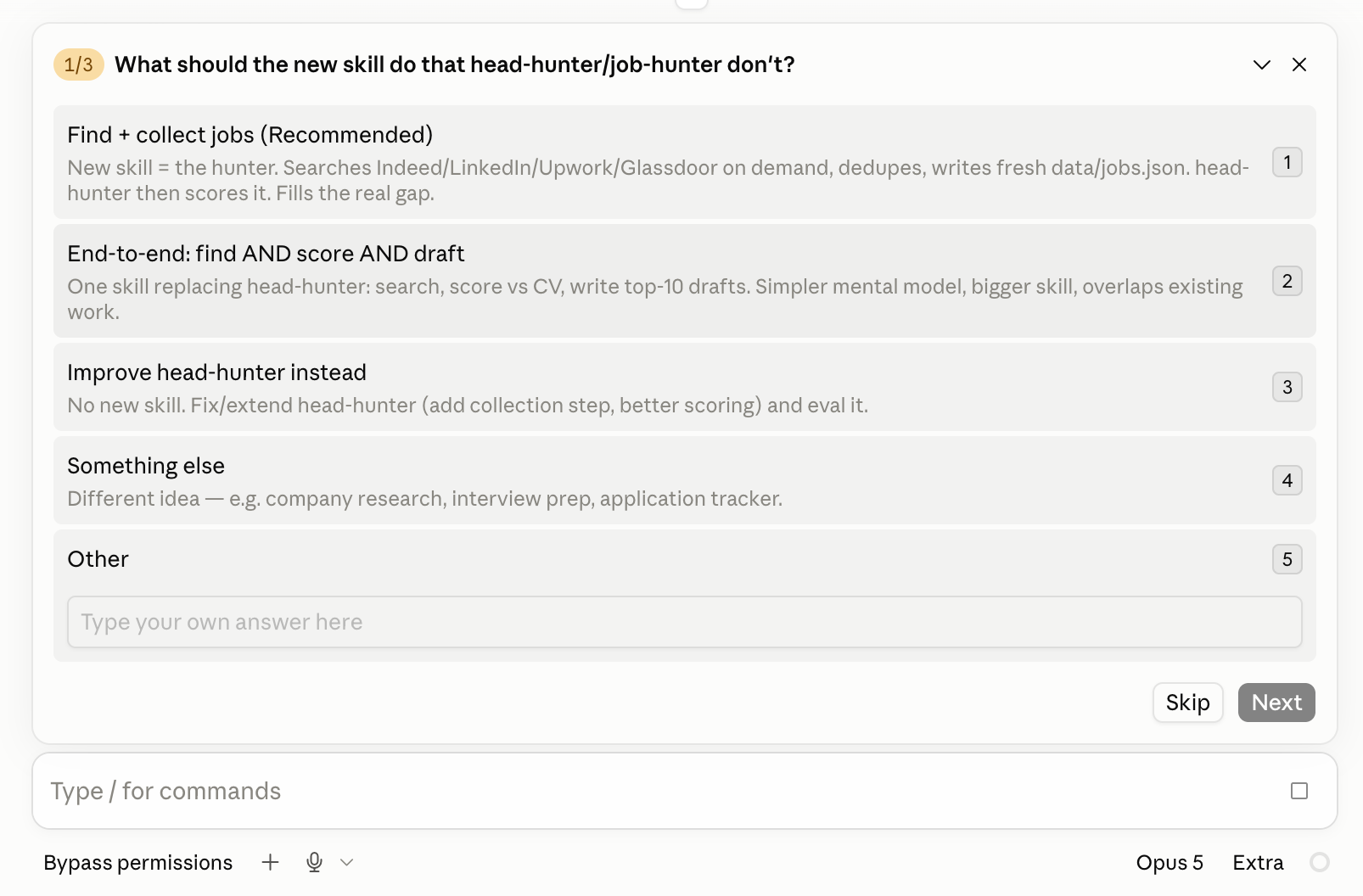
Skill Creator found my Head Hunter skill, read it, and started asking questions about what it saw.
In the end, it asks me to run an eval loop, which runs the skill against test cases and reports where it slipped.
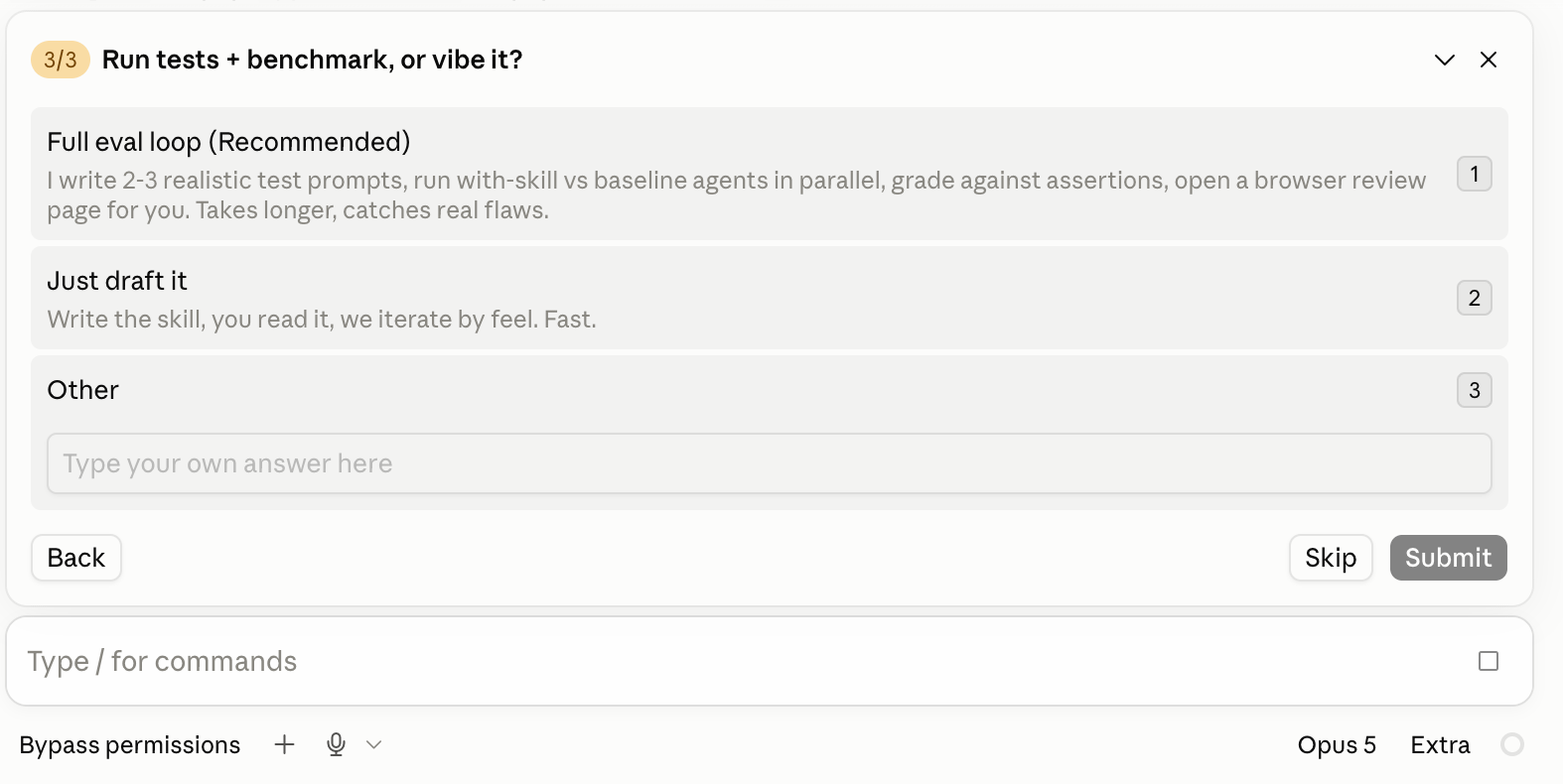
I already created a Head Hunter skill, so I won’t go through that step again.
But after creating a skill, you need to close the app and reopen it before you can run the skill.
#3 Uploading an MD File
Let’s say you want to install the Head Hunter skill. Uploading it is one of the easiest ways.
Click here to download the Head Hunter Skill
To do that, first, go to Settings > Capabilities > Skills > Customize inside your Claude App.
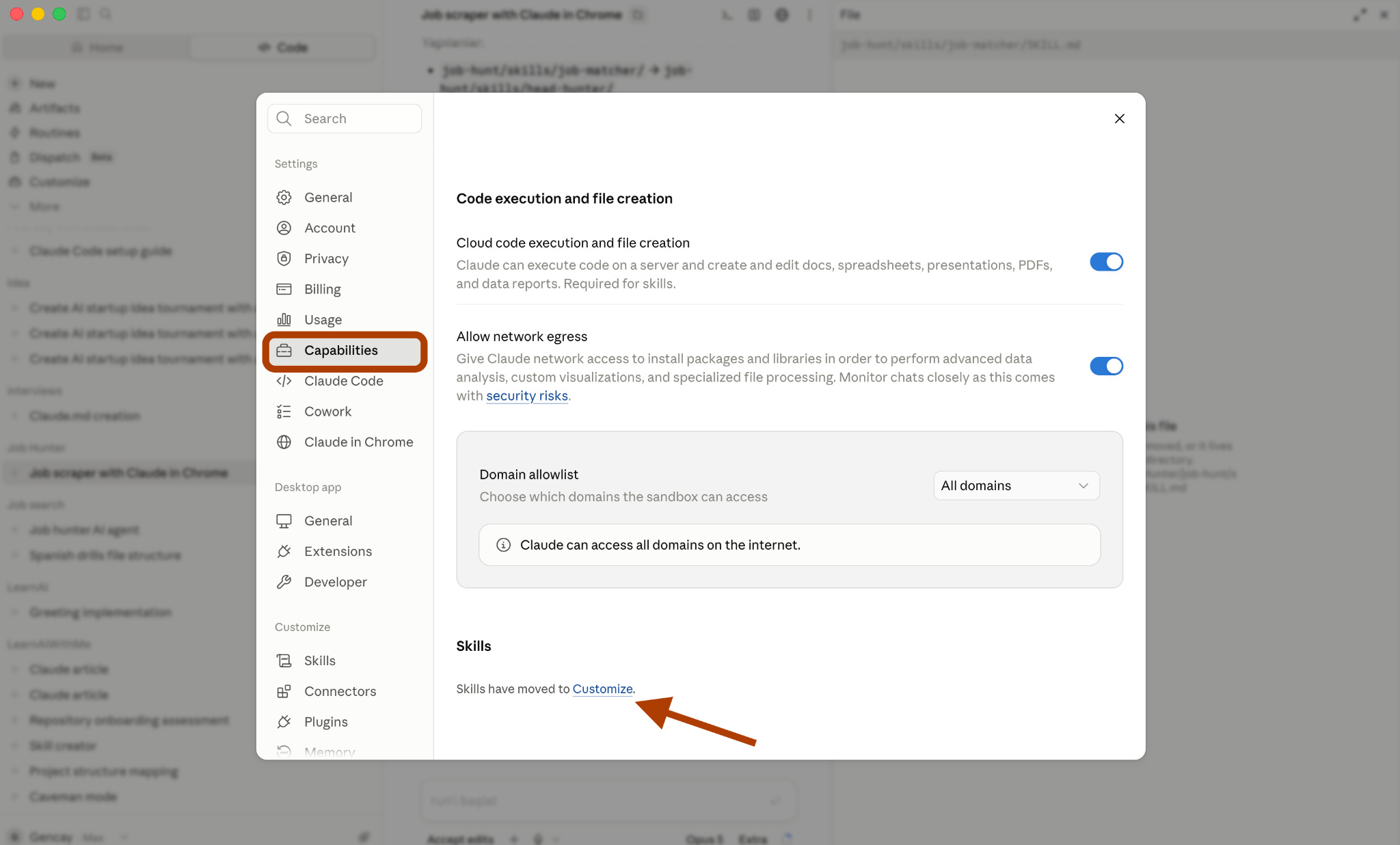
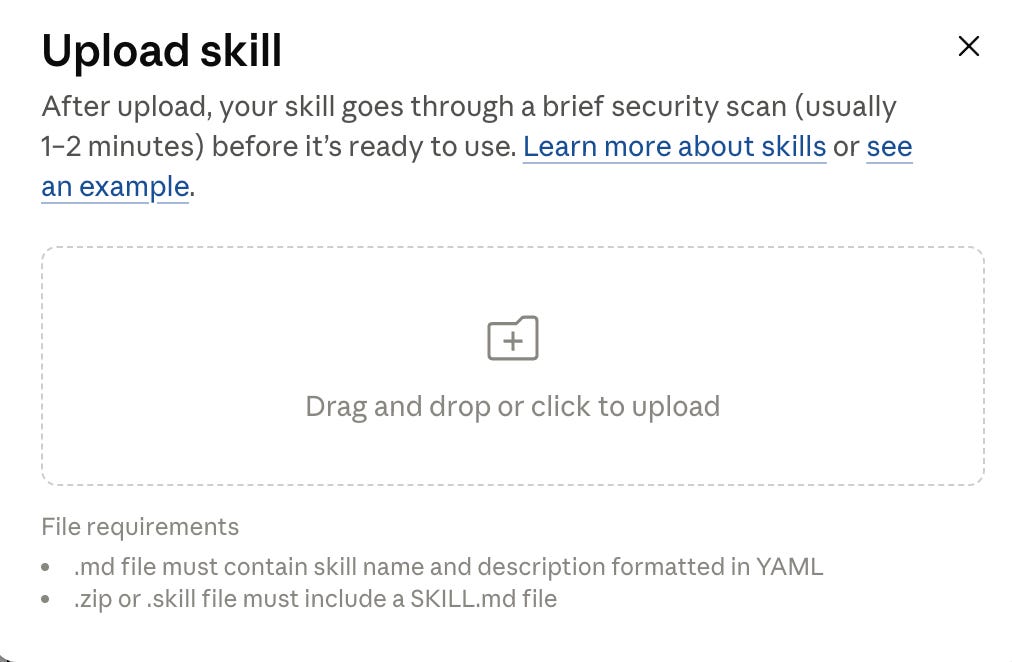
Next, click on “Add” and “Upload Skill”.

And drop the .md file here.
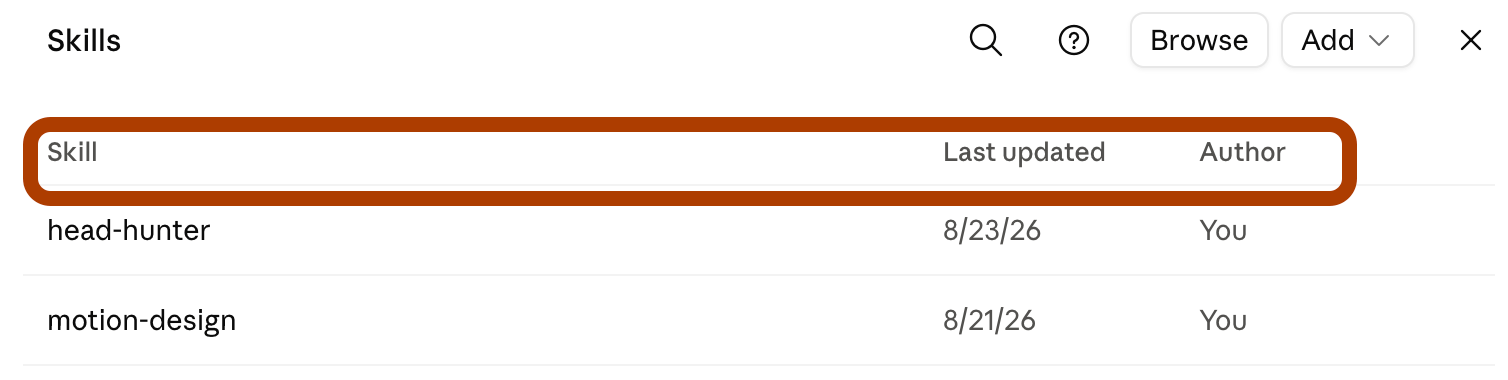
And you’ll see the new skill in the list.
Click here to get my FREE Claude course (20+ lessons)
How to call skills?
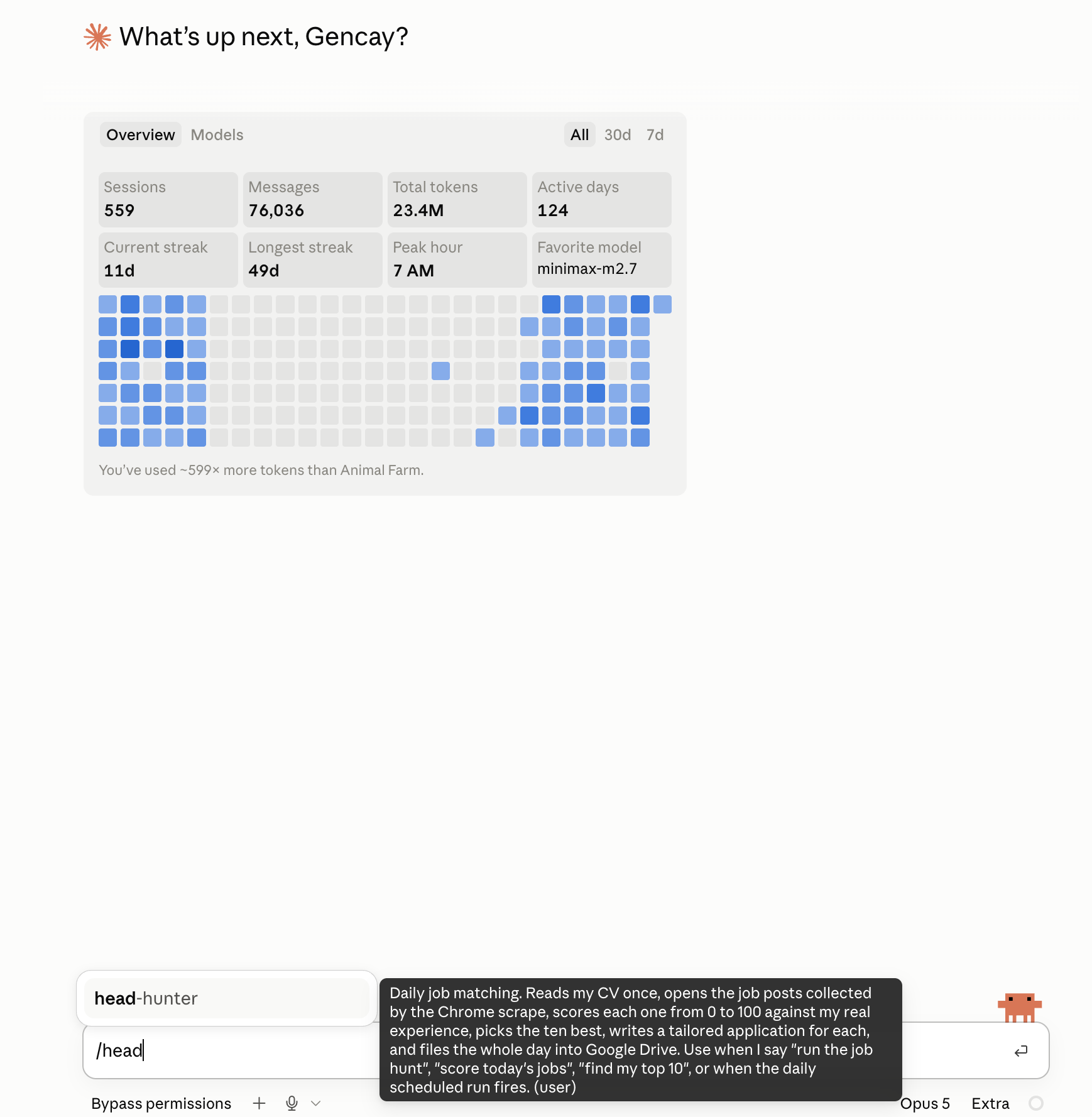
The fastest way is using the slash commands.
For instance, when I type /head-hunter, it launches the skill I built to hunt jobs for me.
Let’s do this.
Head Hunter Skill
Quick context before we run it. The 161 job posts come from Part 1 of this series, where Claude in Chrome scraped Indeed, Glassdoor, and Upwork into one Google Sheet.
Head Hunter reads your CV first. Then it scores every job in the sheet against it, writes a proposal for the ten highest, and drops all ten into one Google Doc.
Click here to download the Head Hunter Skill
How does it work?
Every job gets a score out of 100, built from four parts.
Skills overlap, 40 points.
Seniority fit, 25.
Domain fit, 20.
Practical fit, 15, which covers location, remote policy, and salary.
Two rules do the heavy lifting.
A tool you listed from a course scores zero; only production evidence counts. And when a post hides the salary or the seniority, that part scores low instead of getting a guess.
This is the part worth editing. Disagree with a score, open the file, change one weight, and every future run follows the new rule.
So you call it with a slash command and leave it alone.
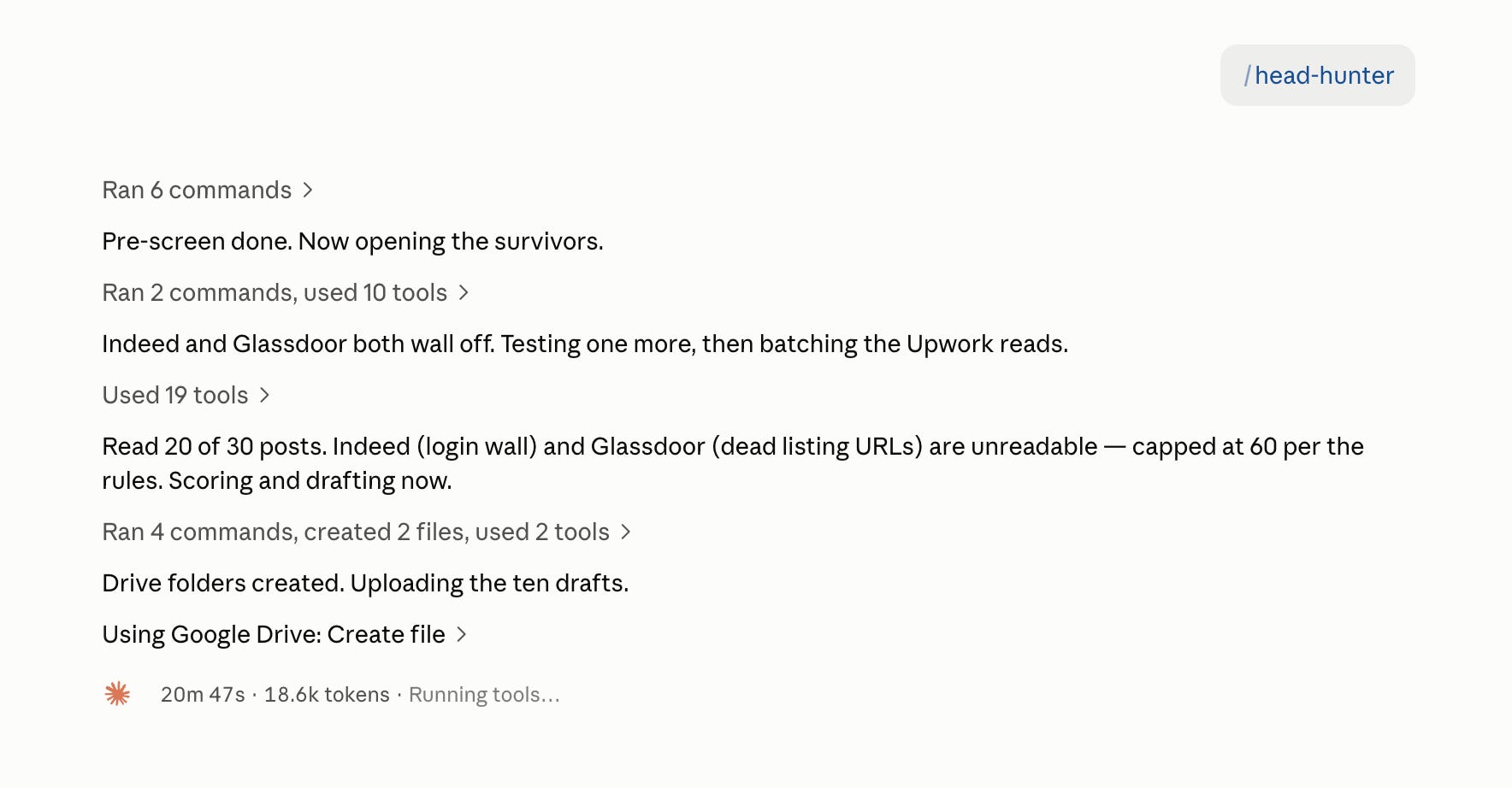
In 20 minutes, it analyzed all 161 jobs, scored them, matched them with my CV, and started creating a Google Doc with proposals for the 10 best-fit jobs based on those scores.
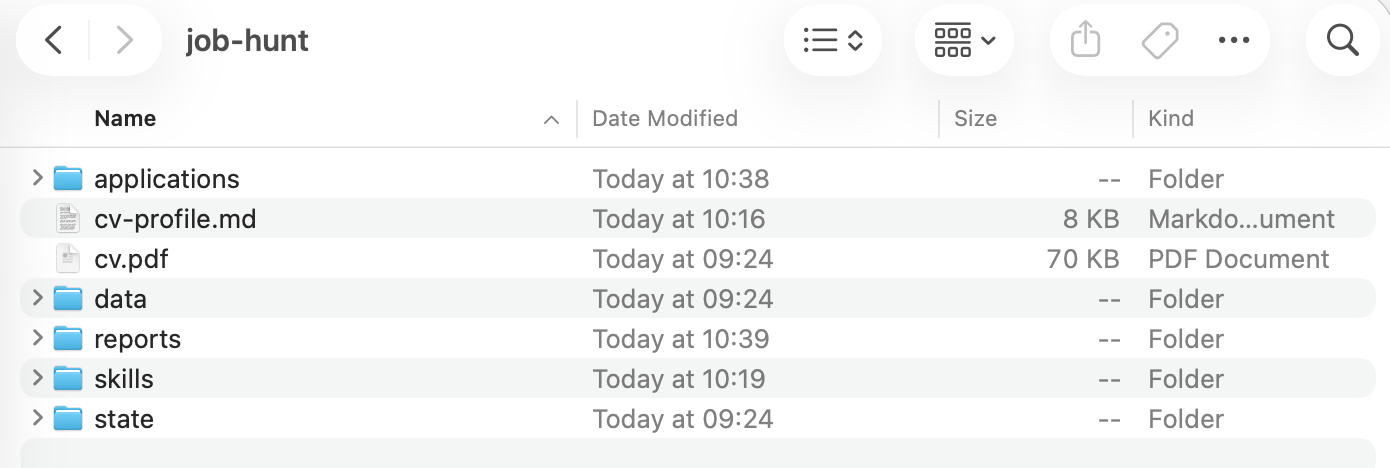
The folder already contains the scraped jobs and my CV, so I don’t have to add any extra explanation.
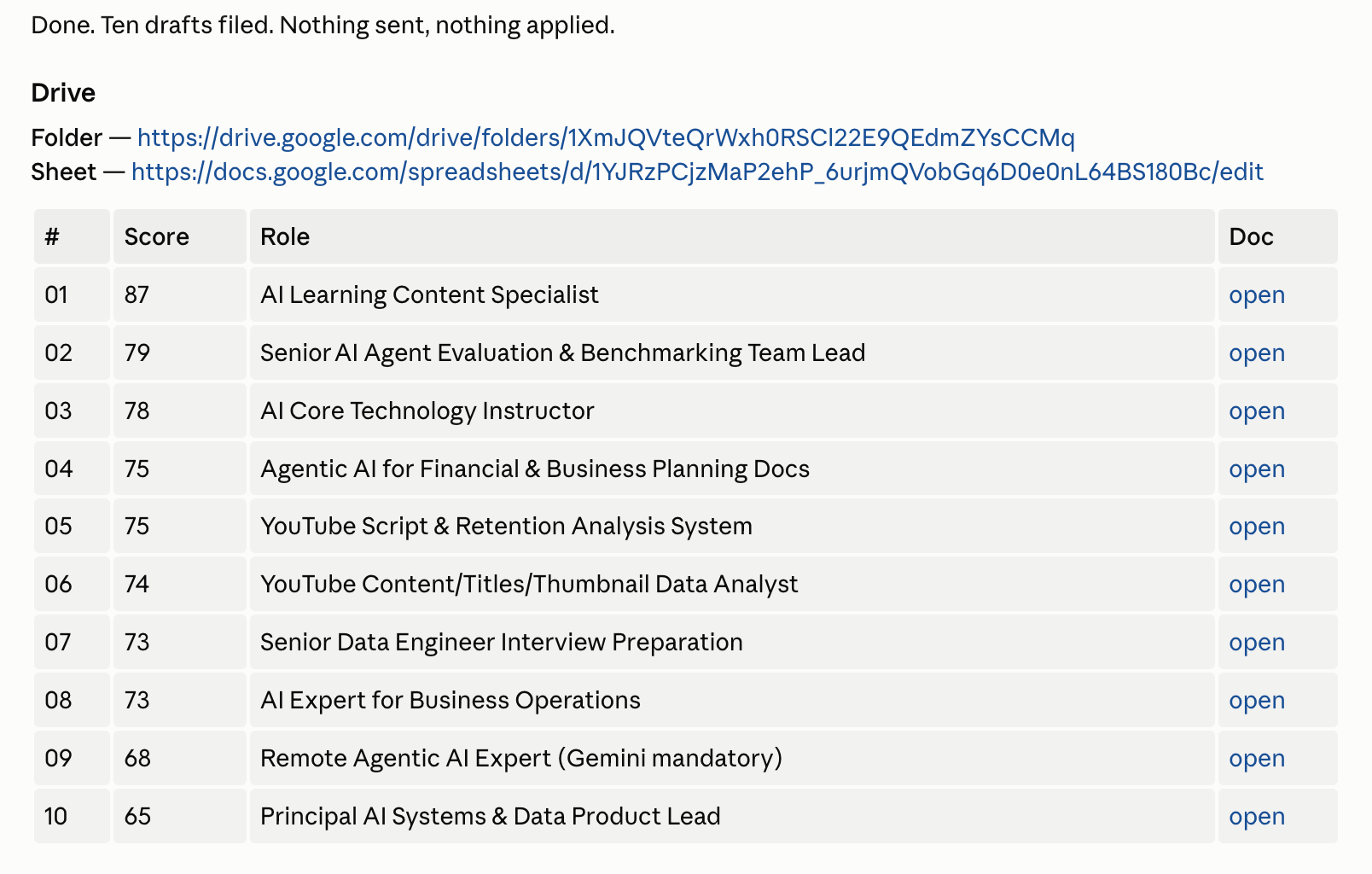
And finished.
Let’s check this folder.
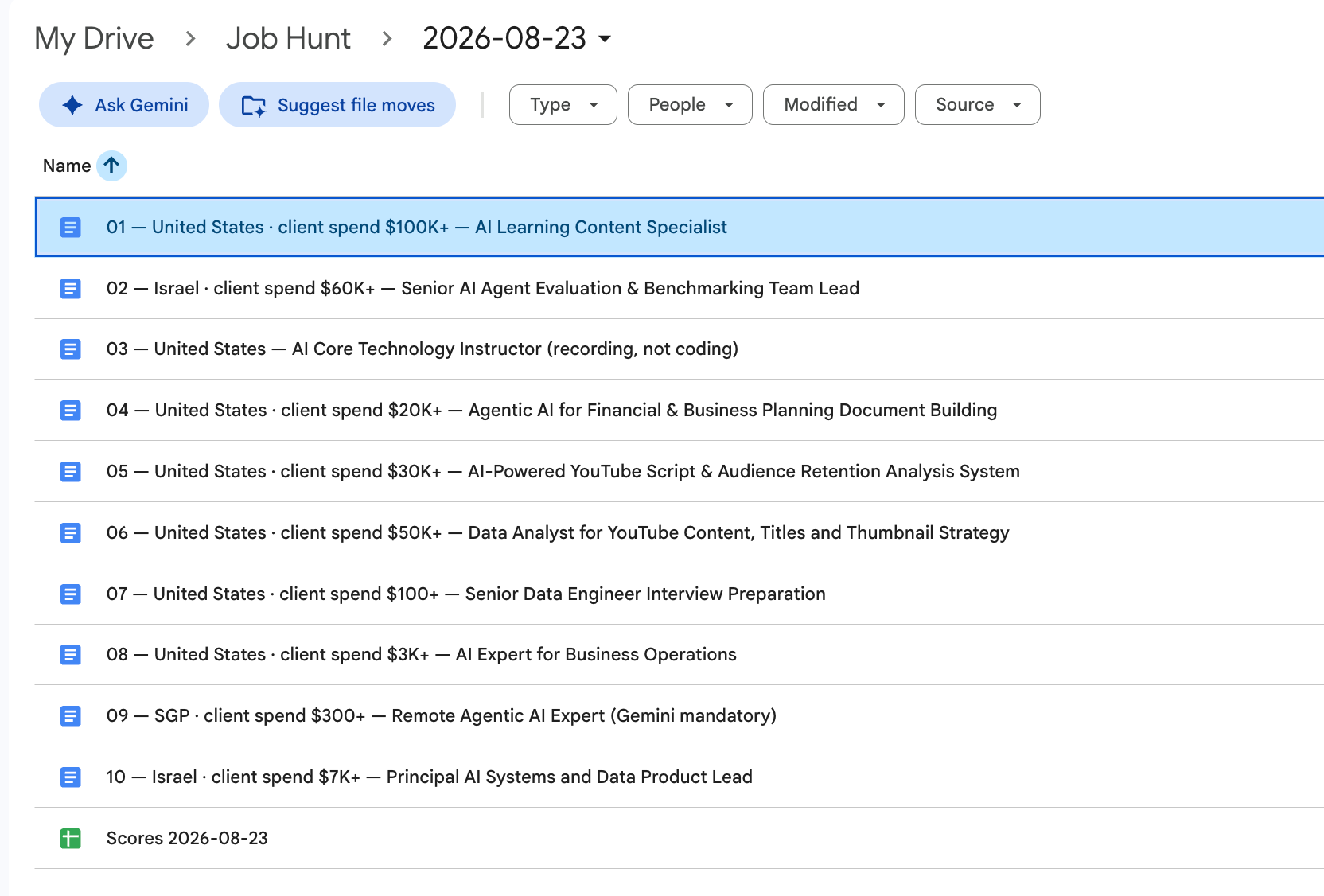
I clicked the first one.
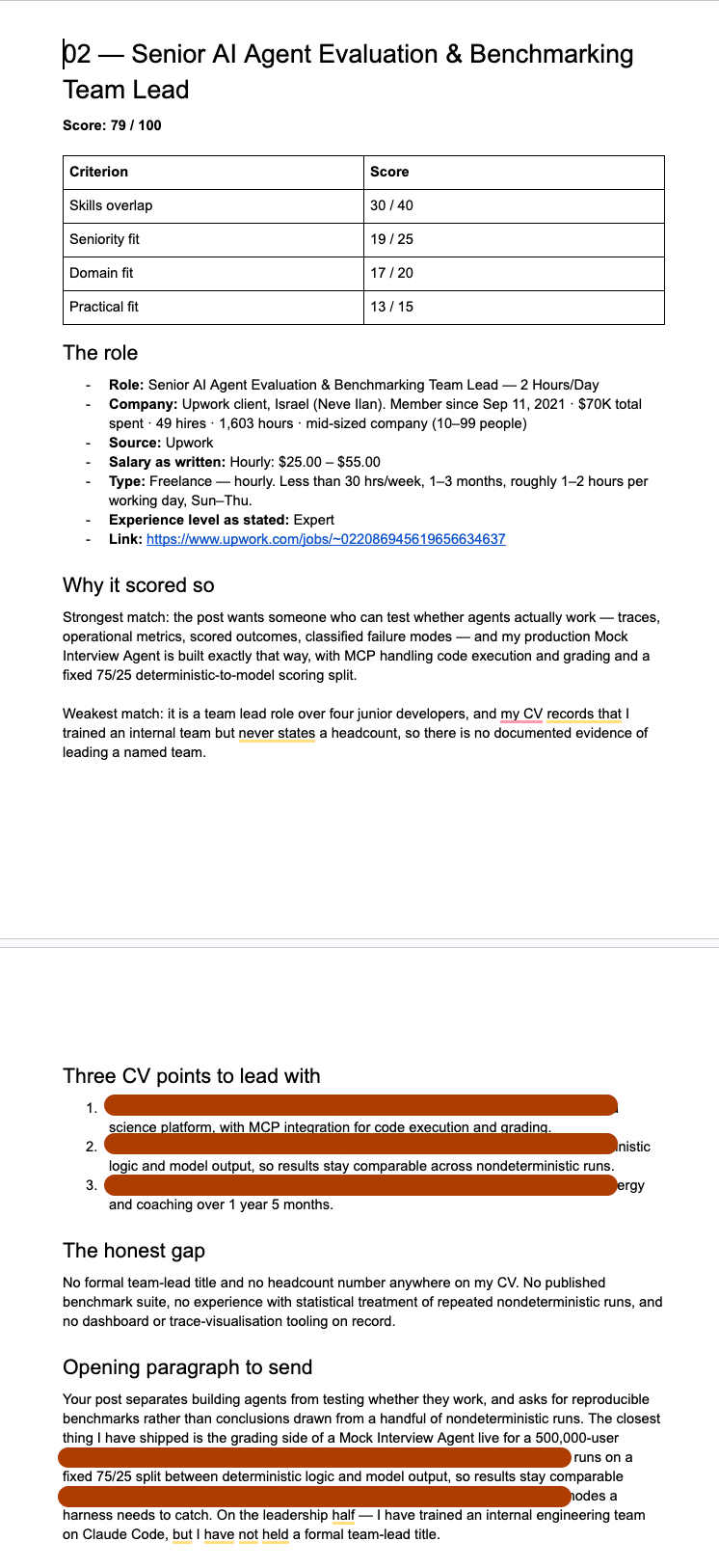
Next Steps
Ten proposals, sitting in a Doc, from a folder I never had to explain.
Now, imagine scraping these jobs every day and generating proposals for each one. All you need to do is polish the proposals and send them.
How many hours would that save someone who is actively job hunting?
Well, we’ll do exactly that in Part 3, using Claude’s scheduled tasks.
See you in the next one.
Join my newsletter with 80K+ people to master AI in 2026
The part I'd point people at is the scoring rule, not the three install methods.
"A tool you listed from a course scores zero, only production evidence counts" is your own judgment written down.
Same with scoring a hidden salary low instead of letting the model guess.
That is the half nobody can download from skills.sh, and it is the half that decides whether those ten proposals are worth sending. In my experience this is the actual unlock with skills: not installing them, writing the recipe yourself so you can build exactly what you want. Installing a skill is the entry point. The weights are the real lever.